
Flexible mortgage options
Debit Cards
Shop online. Shop in stores. Shop with total confidence.
Our versatile debit cards offer more benefits than you might imagine.
Yes, it works in ATMs. And just about everywhere else.
Your debit card is great for buying groceries. And paying for car repairs. And covering monthly bills. And downloading a new streaming service. As a bank, we know a thing or two about cash. So when we say that your Paducah Bank debit card is even more convenient because it's accepted online and at millions of locations worldwide, we hope you'll believe us.
That silvery chip has been part of your debit card for quite some time - so you might have stopped noticing it. But trust us, it's just as important now as it was the day we introduced it. That chip is a security powerhouse, providing state-of-the-art protection against financial fraud and identity theft.
- Make purchases by inserting the chip end of the card in a merchant's payment terminal. You may then be prompted to enter your PIN or your signature on the terminal.
- Almost all merchants now have payment terminals that accept chip technology. But if you run into a place that doesn't, your card still has a magnetic stripe that can be swiped though the payment terminal.
- Chip cards will also work in ATMs of pretty much any age.
- Get an immediate replacement card at any Paducah Bank location.
- If you have any questions, any Paducah Bank team member will be happy to help you. Call us at 270.575.5700 or stop by your favorite Paducah or Louisville, Kentucky branch.
As most people know, our regular debit cards work by withdrawing money directly from your checking account. But there's an alternative. You can purchase a Smart Card reloadable card that's worth a specific dollar amount. With each purchase, it subtracts the payment amount from the card.
- Good for helping teens and others in your family stick to a spending limit.
- Often safer when you're traveling because your checking data is never shared with merchants.
- You can purchase reloadable cards in any dollar amount - and then load them back up again when the balance gets close to zero.
Lose your Visa debit card? Stay calm. You can use Online or Mobile Banking tools to turn your card "off." Find it again? The same controls can turn it back on. To deactivate your card with a smartphone, download the Paducah Bank Mobile App.
- In Online Banking, find the “Card Management” link in the top-right corner to manage the off/on feature.
- Use the same app or online link to turn your card back on.
- Our Personal Bankers can see your card’s status and help you turn your card "on" or "off."
Shopping online can be pretty convenient - up to a point. When you reach the checkout or billing page, you're often asked to spend a chunk of time typing in a ton of credit or debit card information. With Visa Checkout, you can streamline the process and complete your purchase more quickly.
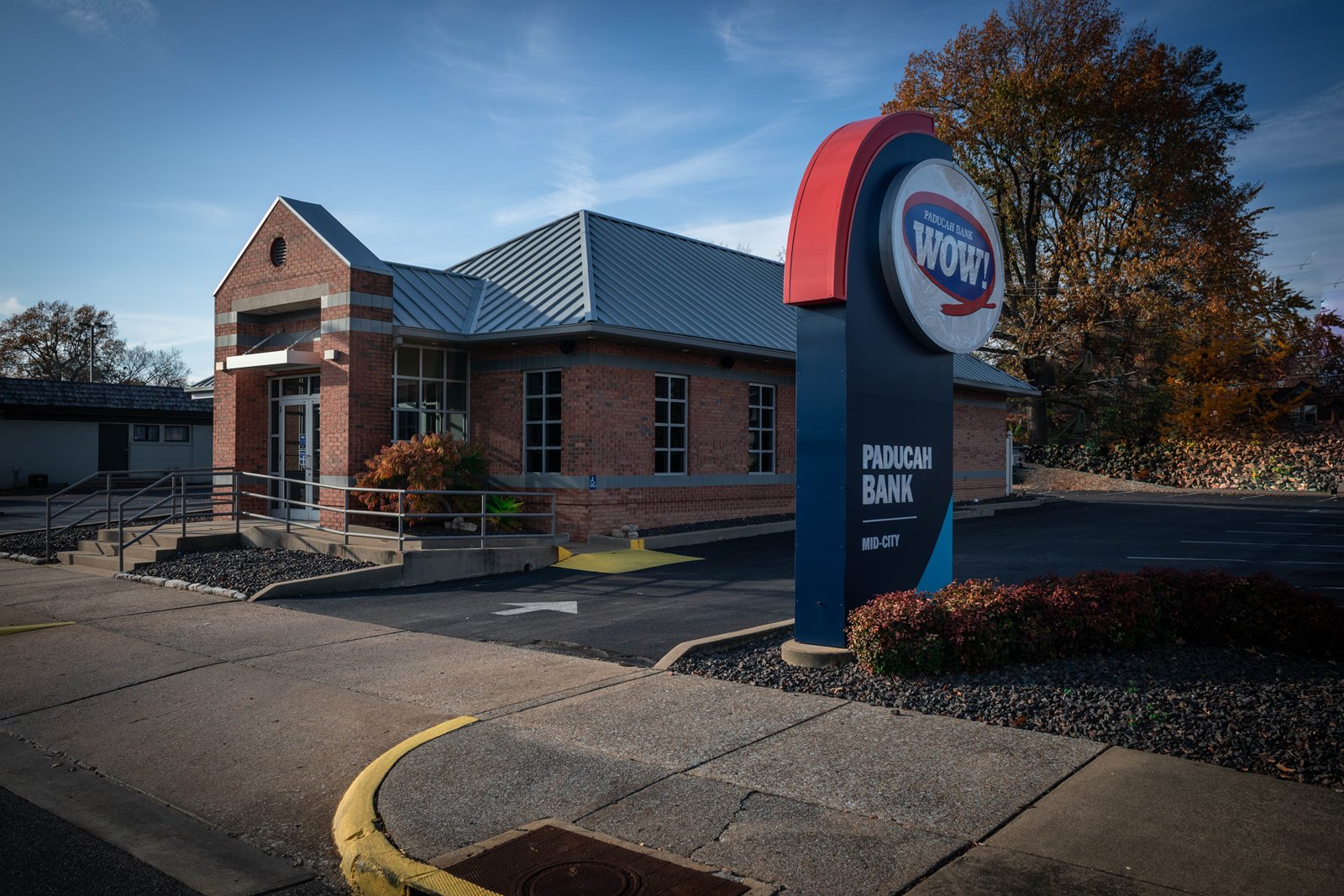
- Visa Checkout automatically fills in most of the billing fields in online payment forms
- Works with smartphones, tablets and computers
- Visa keeps all your account information safe and secure so you can relax as you shop.
- Enroll for Visa Checkout online or at one of our Paducah or Louisville, Kentucky branches.